Language


 No results found
Best HR software for small businesses in 2026
Compare the best HR software for small business, including features, pricing, and ideal use cases.

Small companies require HR software that’s affordable, user-friendly, and manageable without dedicated HR staff. The right platform automates payroll, benefits, onboarding, and compliance, freeing time for growth. In this guide, we’ll compare the best HR software for small businesses and cover features, pricing, and ideal use cases.
For small teams with remote or traveling employees, reliable mobile access to HR systems is essential for remote teams, and solutions like Holafly for Business ensure uninterrupted access to HR systems from anywhere.

Business travel made easy
Get a Holafly eSIM for Business and enjoy mobile internet as soon as you step off the plane.
8 Best HR software for small businesses
The following comparison highlights the best HR software for small businesses based on features, pricing, and use cases.
| Software name | Best for | Starting price | Key features | Free trial |
|---|---|---|---|---|
| Gusto | Small businesses (1–100 employees) requiring payroll and benefits | $49/month + $6 per employee | Payroll with tax filing, benefits administration, PTO tracking, onboarding, HR templates | Yes |
| BambooHR | Growing small businesses focused on HR data and onboarding | Custom pricing, typically ~$250/month or $10–17 per employee | HRIS, ATS, onboarding, performance management, time-off tracking, mobile app | Yes |
| Rippling | Tech-savvy and fast-scaling small businesses | $8 per employee/month | Payroll (US and global), benefits, IT device management, automation, workflows | No |
| Zenefits (TriNet HR Plus) | Small businesses with a benefits and compliance focus | $8 per employee/month | Payroll, benefits administration, compliance tools, time tracking, self-service portal | No |
| Paychex Flex | Businesses prioritizing reliable payroll and compliance | ~$60/month base + per-employee costs | Payroll, tax compliance, HR support, time tracking, retirement services | No |
| Namely | Small businesses with over 25 employees planning to scale | $9 per employee/month | HRIS, payroll, benefits, performance reviews, time-off management | No |
| Justworks | Small businesses wanting enterprise-level benefits via PEO | $59 per employee/month | Payroll, benefits access, compliance, workers’ compensation, HR consulting | No |
| ADP Run | Businesses seeking a trusted, scalable payroll provider | ~$79/month + per-employee fee | Payroll, tax compliance, benefits, time tracking, mobile app | Yes |
1. Gusto
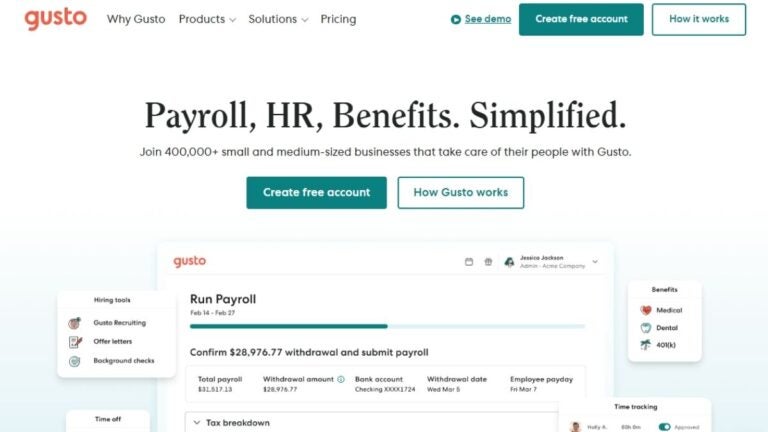
Gusto is an all-in-one HR platform designed for small businesses that require simple payroll, benefits, and compliance in one system.
Best for
Small businesses with 1–100 employees that require comprehensive payroll with benefits administration.
Key features
- Full-service payroll with automatic tax filing.
- Health insurance and 401(k) administration.
- Time tracking and PTO management.
- New hire onboarding and offer letters.
- HR resource center with templates.
Pricing
Starts at $49 per month plus $6 per employee per month.
Pros
- Intuitive interface.
- Strong customer support.
- Robust benefits offerings.
Cons
- Costs increase as headcount grows.
- Limited customization for complex HR workflows.
2. BambooHR
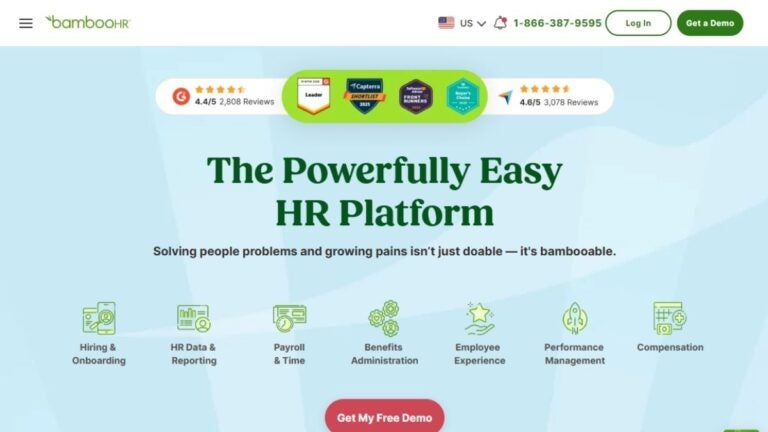
BambooHR, human resource software for small businesses, focuses on employee data management, onboarding, and time tracking. It functions primarily as an HRIS (Human Resources Information System), with additional features available via add-ons or higher-tier plans.
Best for
Growing small businesses that need structured employee records and performance management.
Key features
- Centralized employee database for records, documents, and reporting.
- Applicant tracking system (ATS).
- Onboarding workflows with e-signatures.
- Performance management and reviews.
- Time-off tracking and approval workflows.
- Mobile app for employee self-service.
Pricing
Custom pricing based on company size and selected modules. For small businesses, pricing typically starts around $250 per month for fewer than 25 employees or approximately $10–17 per employee per month.
Pros
- Intuitive interface.
- Strong employee onboarding tools.
- Useful reporting and HR analytics.
Cons
- Payroll and time tracking are add-ons, not core features.
- The total cost increases with the addition of modules and plans.
3. Rippling
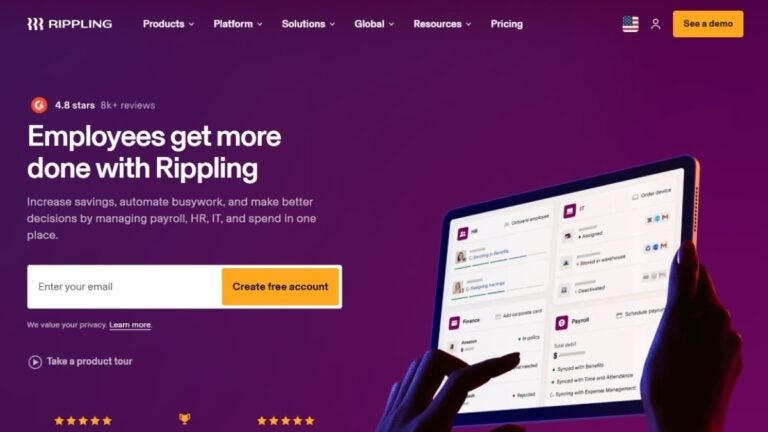
Rippling is a modern platform that combines HR, payroll, benefits, and device management, including support for international human resource management across 185+ countries.
Best for
Rippling offers comprehensive HR software for startups and fast-scaling teams that want to manage HR and IT from a single platform.
Key features
- Payroll processing in all 50 US states and international payroll in over 185 countries.
- Benefits administration.
- App management and device provisioning.
- Time and attendance tracking.
- Custom workflows and automation.
Pricing
The core HR platform starts at $8 per employee per month. Payroll and other modules are priced separately and require a custom quote.
Pros
- Powerful automation options.
- Centralized management of people, apps, and devices.
- Supports global payroll.
Cons
- The feature set can be complex for tiny teams.
- Total cost increases as more modules are added.
4. Zenefits (TriNet HR Plus)
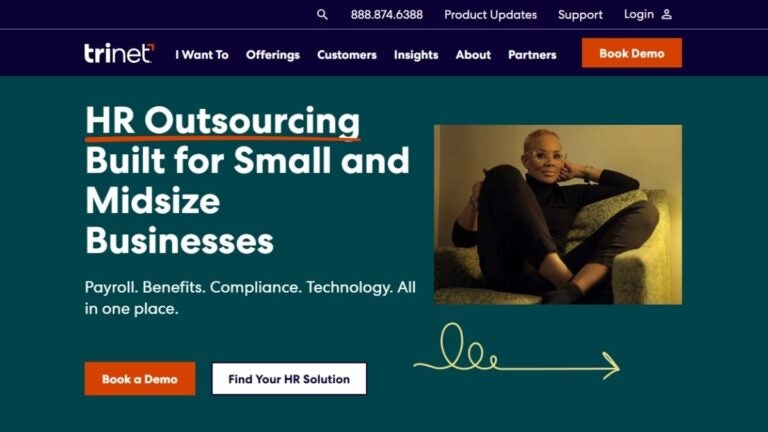
Zenefits, now branded as TriNet HR Plus, is a cloud-based HR platform that provides payroll, benefits, and compliance tools.
Best for
Small businesses that want an affordable HR platform with a strong focus on benefits.
Key features
- Payroll processing and tax filings.
- Benefits enrollment and administration.
- Time and attendance tracking.
- Compliance alerts and documents.
- Employee self-service portal.
Pricing
Pricing is per employee per month. Essentials plans start around $8 with annual billing or $10 with monthly billing. Growth plans begin around $16 with annual billing or $20 with monthly billing.
Pros
- Affordability.
- Strong benefits administration capabilities.
- Mobile-friendly interface.
Cons
- Customer support response times can be slow.
- Advanced features require higher-tier plans.
5. Paychex Flex
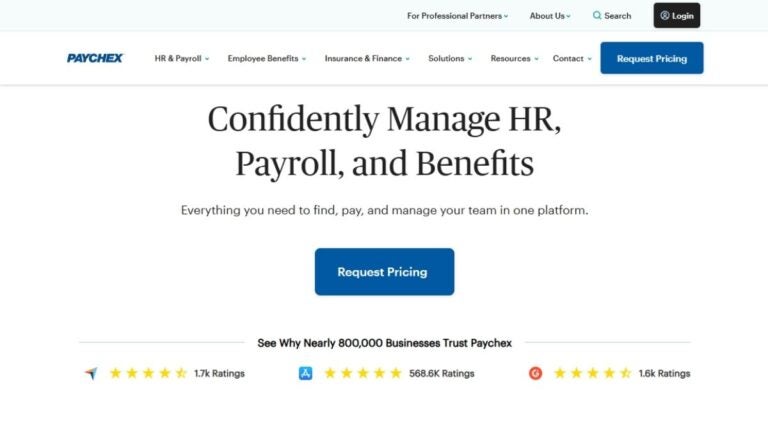
Paychex Flex provides reliable small business HR support with dedicated specialists and a comprehensive suite of HR tools for small to mid-sized businesses.
Best for
Businesses that want dependable payroll processing with optional HR add-ons and access to dedicated support.
Key features
- Full-service payroll with tax compliance.
- HR administration and compliance support.
- Time and attendance tracking.
- Retirement services and employee benefits.
- Access to a dedicated payroll specialist.
Pricing
Pricing is custom and based on selected services. Base plans often start around $60 per month, with additional per-employee costs.
Pros
- Reliable payroll processing.
- Strong compliance features.
- Dedicated customer support.
Cons
- Higher overall cost compared to simpler payroll tools.
- The interface feels less modern than that of competing platforms.
6. Namely
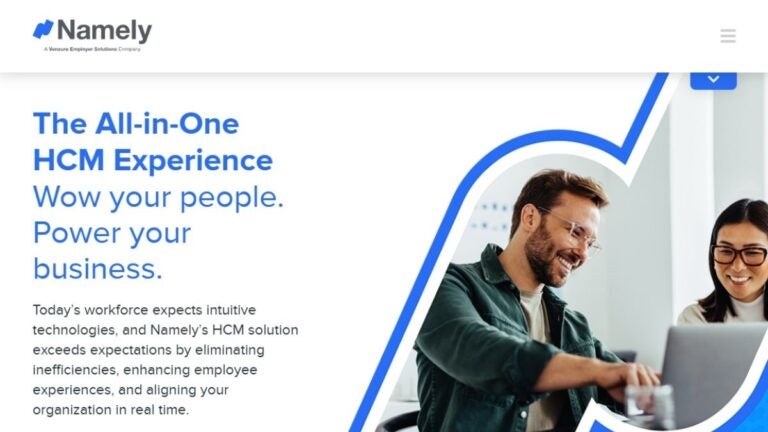
Namely is an HR platform designed for mid-sized companies, yet accessible to growing small businesses.
Best for
Small businesses with 25 or more employees that are planning to grow and need comprehensive HR management.
Key features
- HRIS with centralized employee records management.
- Payroll processing.
- Benefits administration.
- Performance reviews and goal tracking.
- Time-off management.
Pricing
Pricing is custom and starts from $9 per employee per month.
Pros
- Well-suited for businesses that are scaling.
- A broad set of HR features in one platform.
- Modern user interface.
Cons
- Designed primarily for teams with 25 or more employees.
- Cost can be high for very small businesses.
7. Justworks
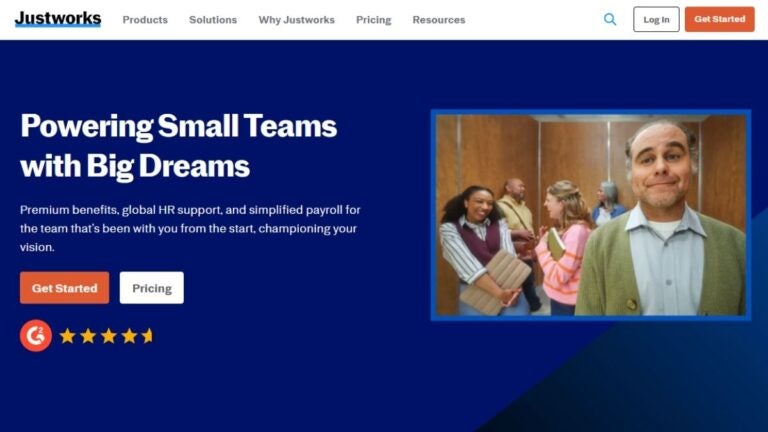
Justworks is a Professional Employer Organization (PEO) that provides payroll, HR, benefits, and compliance services.
Best for
Small businesses that want access to large-company benefits through a PEO model.
Key features
- Full-service payroll processing with tax filing.
- Access to Fortune 500-level benefits.
- Workers’ compensation coverage and compliance support.
- 24/7 customer support.
- HR consulting.
Pricing
Plans start at $59 per employee per month.
Pros
- High-quality benefits.
- Comprehensive compliance.
- Excellent customer support.
Cons
- Higher monthly cost.
- The PEO model reduces direct control over some HR functions.
8. ADP Run
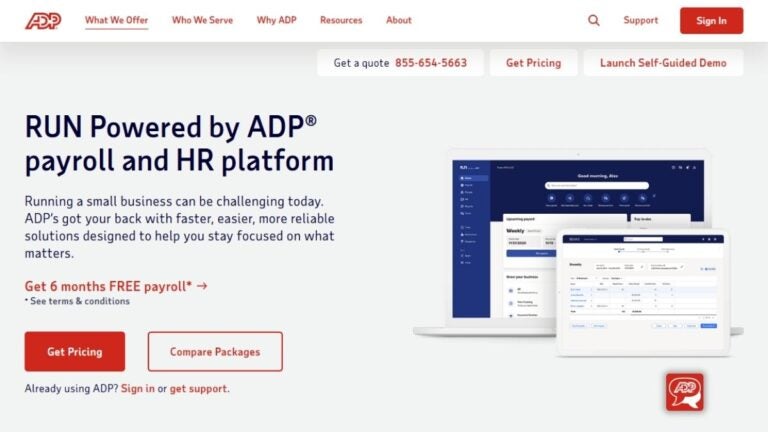
ADP Run, also known as RUN Powered by ADP, is the small business version of ADP’s payroll and HR platform.
Best for
Businesses seeking a well-established provider with reliable payroll and the flexibility to add HR features as they grow.
Key features
- Payroll processing with tax compliance.
- Time and attendance tracking.
- Benefits administration.
- New hire reporting.
- Mobile app access.
Pricing
Pricing is custom and quote-based. Entry-level plans typically start around $79 per month plus a per-employee fee.
Pros
- Trusted and established brand.
- Reliable payroll processing.
- Scales well as business needs become more complex.
Cons
- Higher overall cost than many small business payroll tools.
- Several features require higher-tier plans or add-ons.
- The interface isn’t the most intuitive in the industry.
How to choose the best HR software for a small business
When evaluating HR tools for your small business, focus on features that match your business size and growth plans.
- Ease of use: An intuitive interface that requires minimal training.
- Core features: Payroll, benefits administration, time tracking, and onboarding.
- Pricing: Affordable monthly costs per employee or flat fees with no hidden charges.
- Scalability: Software that supports growth without forcing a platform change.
- Compliance: Automatic tax filings and regulatory updates.
- Support: Reliable customer service and access to HR expertise when needed.
- Integrations: Compatibility with accounting software, time clocks, and applicant tracking systems.
How to choose the right HR software
Selecting the right HR software requires evaluating your current needs and future growth plans.
- Assess your needs: Identify which small business human resources features are essential, such as payroll, benefits, time tracking, and onboarding.
- Consider team size: Select HR software for small companies that matches your headcount.
- Calculate total costs: Account for base fees, per-employee pricing, and any additional costs to understand the full expense.
- Check integrations: Confirm the platform works with your accounting software and existing tools.
- Test the interface: Use free trials (when available) to confirm the system is easy to use.
- Evaluate support: Determine whether you require dedicated customer support or are satisfied with self-service resources.
- Think about growth: Select software that can scale as your business expands.
Support remote and traveling employees with Holafly for Business
Remote and traveling employees need reliable access to HR software for small business such as submitting timesheets, requesting time off, completing onboarding, and reviewing benefits.
Holafly for Business helps small businesses keep distributed teams connected through business eSIM solutions. It provides coverage in over 160 destinations, allowing employees to access HR systems without relying on public WiFi or local, physical SIM cards.
Holafly Business Center enables companies to efficiently manage connectivity across teams, while unlimited data plans like our Holafly Business Plans eliminate usage limits and international roaming charges.
Request a demo to see how Holafly keeps your international payment operations secure and connected.
Business travel made easy
Get a Holafly eSIM for Business and enjoy mobile internet as soon as you step off the plane.
Disclaimer: The information provided in this article is for informational purposes and reflects research conducted on 15 January 2026.
Plans that may interest you


I am a Liverpool-based SEO content specialist with years of experience crafting content that connects. I combine my love for clear communication with a passion for travel and languages (currently diving into Japanese!). At Holafly, I'm here to help you understand everything about staying connected abroad, turning technical jargon into straightforward advice you can actually use.