




What is an eSIM and
how does it work?
An eSIM (embedded SIM) is a digital SIM card installed directly on your device. It allows you to connect to mobile networks without a physical SIM card. It's simple: just download, install it, and get internet access everywhere.
How does an eSIM work?
An eSIM works the same way as traditional SIM cards, but in digital form. Once you activate your data plan, the eSIM will connect your device to the fastest local mobile network at your destination, giving you access to data speeds of up to 5G. Nothing really changes, same Whatsapp number, same apps, only fast and reliable internet. Remember to check if your device is eSIM-compatible.

How to install your eSIM
Choose one of these methods

Recommended
Recommended
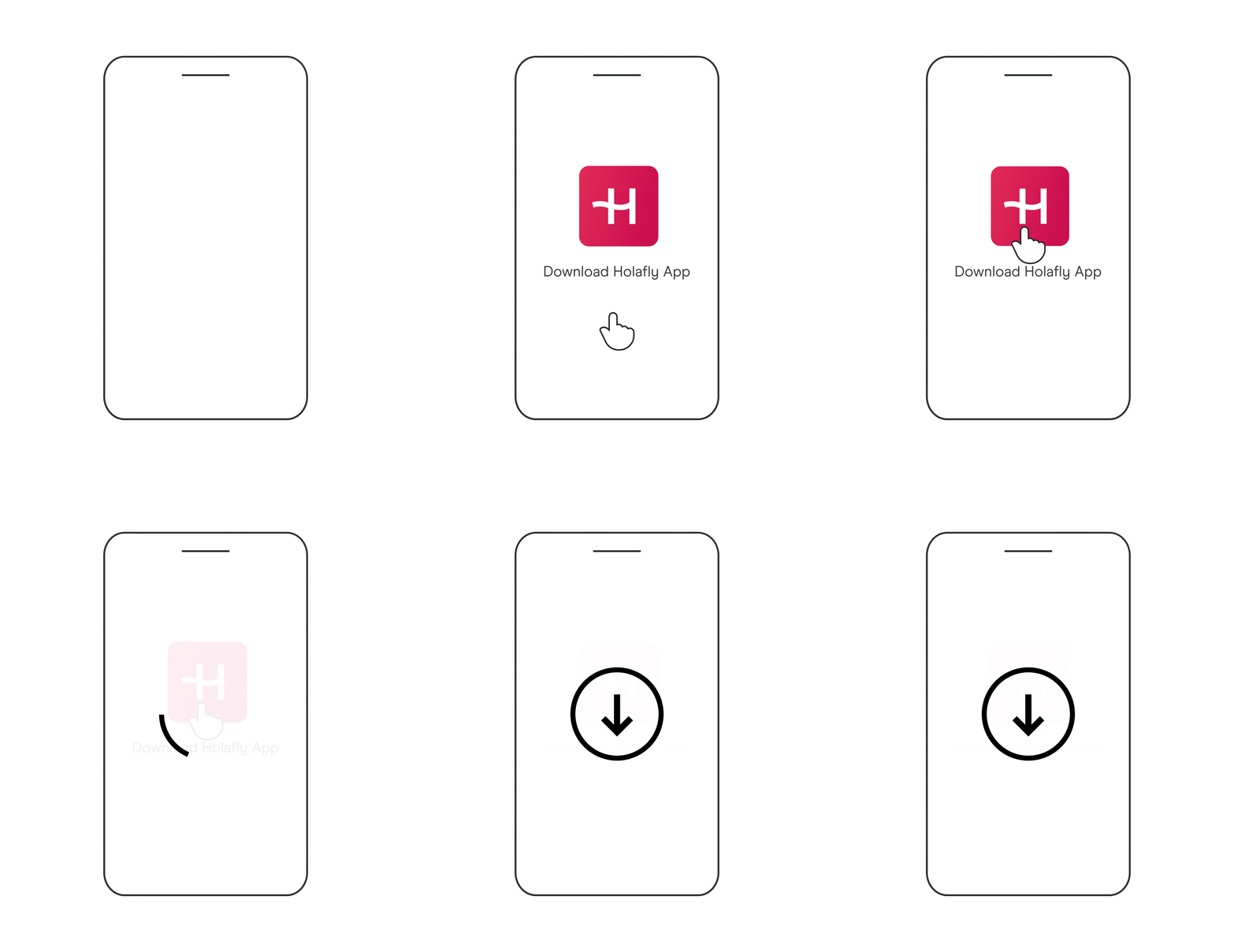
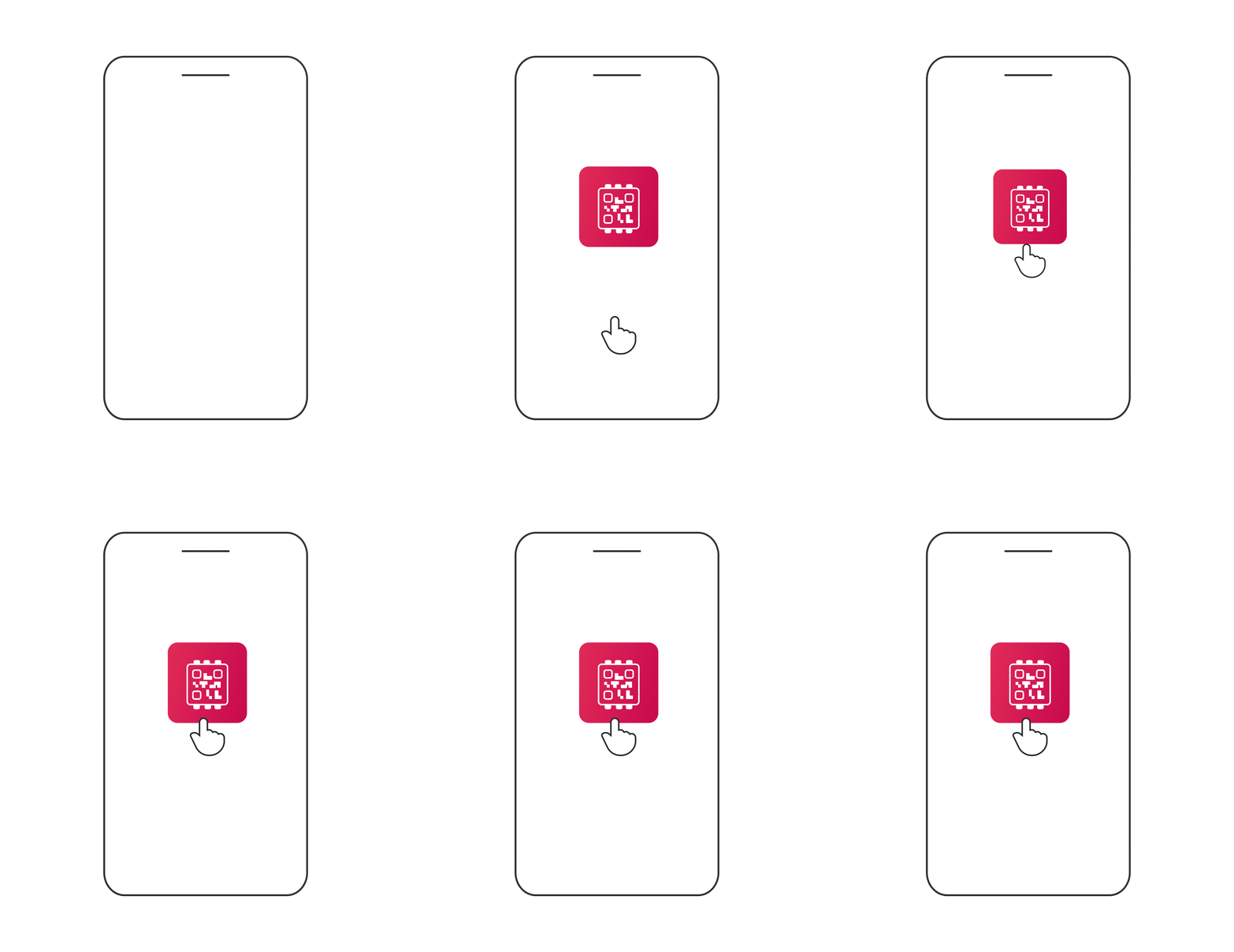

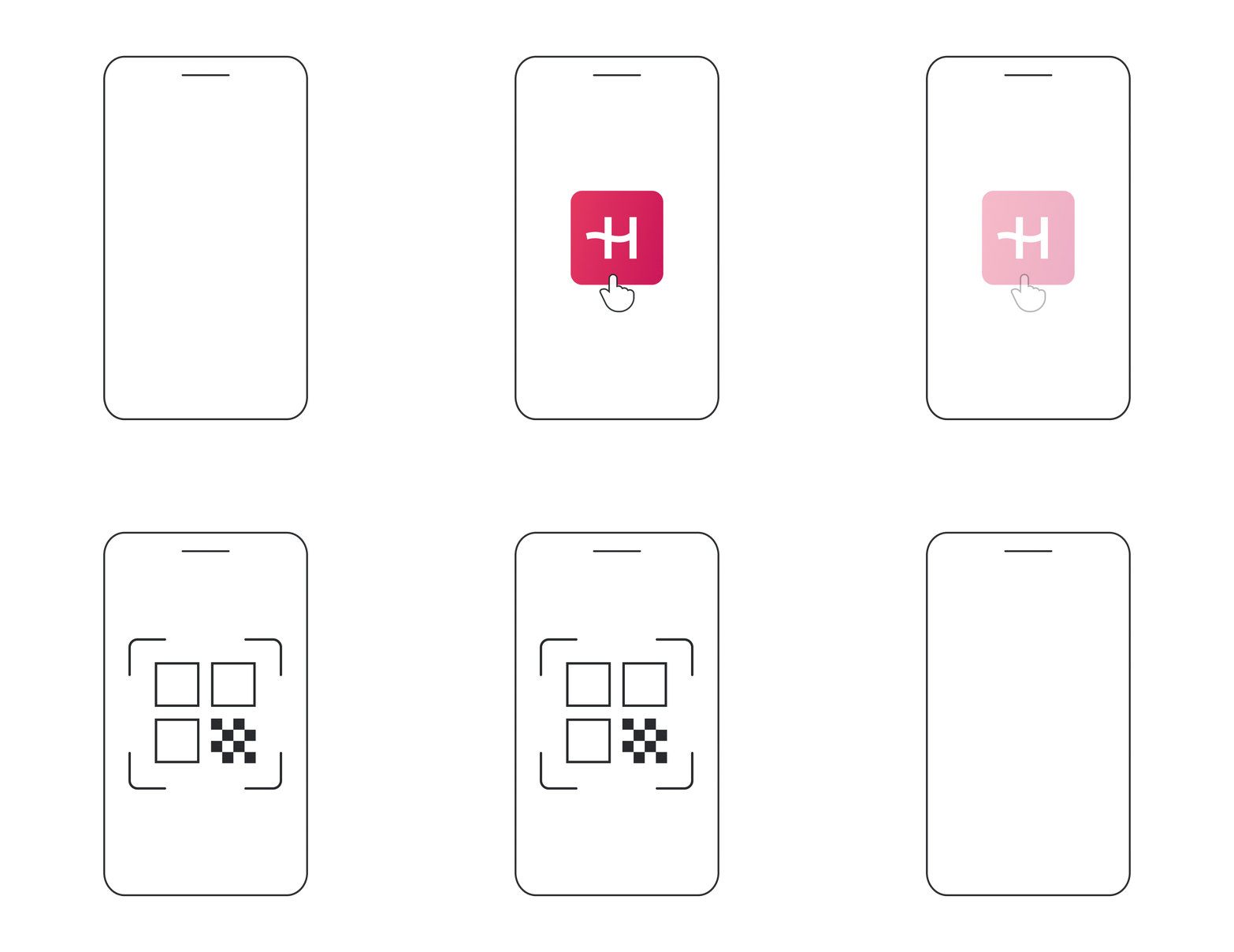

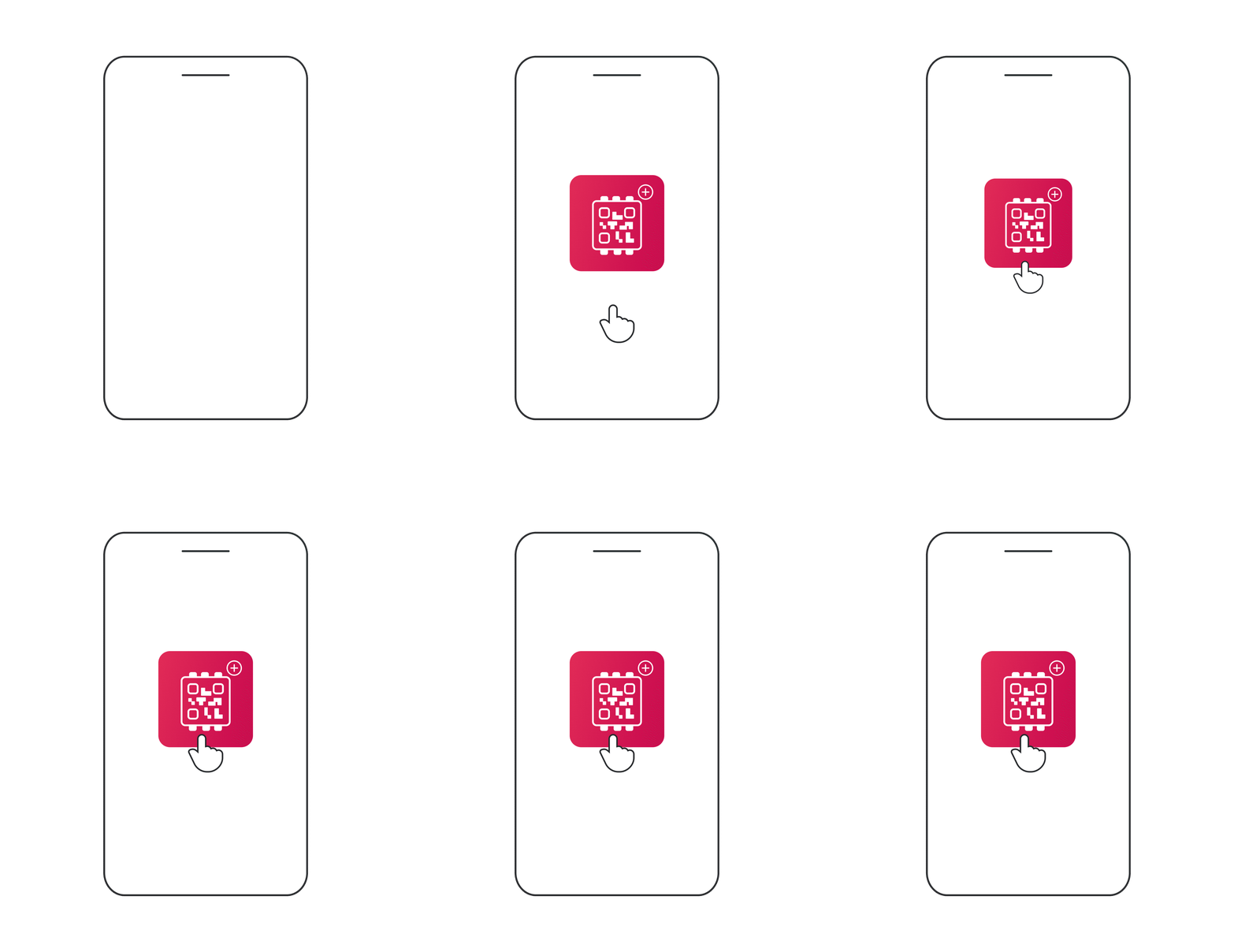
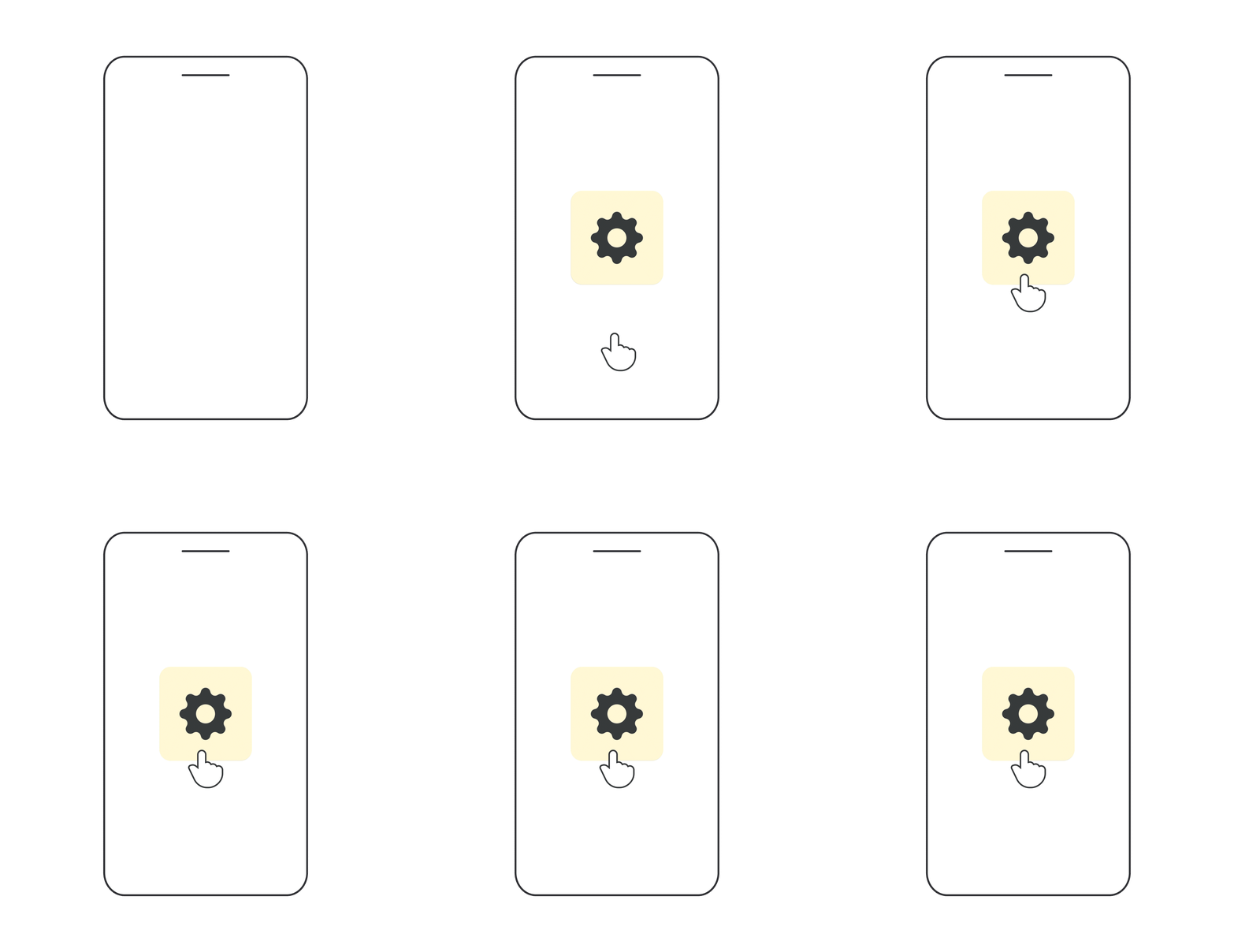
Regional and global plans may activate automatically, so install them no earlier than 1 day before your trip.
Start your journey with Holafly
Get 5% off using the discount code MYESIMNOW5 for any plan and destination!







eSIM Benefits
Instant delivery
Right after your purchase, the eSIM will be delivered to your Holafly app and email within seconds.
Always in your phone
Once activated an eSIM can't be lost, damaged, or stolen. Each Holafly eSIM is assigned to your device, preventing theft or duplication.
Use less plastic
By eliminating plastic waste, a virtual SIM is a more sustainable choice. This is a core part of our commitment to reducing environmental damage.
Save money abroad
A virtual SIM card is a much cheaper alternative to international roaming—money you can invest in your trip.
Easy to install
The installation only takes a few minutes. All you need is a stable internet connection, and you can do it whenever you want.
Multiple plans
eSIMs can cover multiple destinations under one plan. For example, Holafly offers Unlimited Data and monthly and yearly subscriptions.
SIM Card vs eSIM
Physical SIM Card
Immediate connection after landing
Store multiple plans
Instant delivery
Can be lost or damaged
Plastic waste
eSIM
Immediate connection after landing
Store multiple plans
Instant delivery
Can’t be lost or damaged
No plastic waste

Why do we have the best eSIM?

Unlimited data
Our eSIM plans never run out of internet. You'll be connected to the best local networks with high-speed coverage.
Best performance for all your Apps
Our digital SIM makes your apps perform better than a physical one. All your apps will work as usual in any of our 200+ destinations. No limits!
Share your data with family and friends
Create a personal WiFi hotspot and share up to 500MB of data daily. Connect other devices or share it with fellow travelers. Share freely!
Keep your WhatsApp number
Stay connected to all your contacts on WhatsApp as if you were still home. Don’t lose touch with family and friends.
24/7 customer support
Get help anytime, day or night. If you have questions about how the eSIM works or experience an issue, our team is always reachable by chat and email.
Holafly eSIM for iOS and Android
Answer all your questions about eSIMs
FAQs
How to get an eSIM?
It’s easy!
First, make sure your device supports eSIM technology. Check compatibility in the home. If it does, follow these steps to get an eSIM for international travel:
- Select your destination where you’ll need unlimited internet.
- Choose the number of days for your plan.
- Buy the eSIM and receive it instantly via email and the Holafly app.
- Install the eSIM on your phone. It’s automatic for iOS 17+, or use the QR code or manual instructions for other devices.
- Keep the eSIM turned off until you reach your destination. Once you’re there, turn it on and enjoy a seamless connection!
Does an eSIM change your phone number?
Whether or not an eSIM changes your phone number depends on you and your plan. If the plan you chose offers a phone number you’ll have to activate this option while installing the eSIM. Don’t worry, we ask you during the process.
Can I switch back and forth between SIM and eSIM?
Yes, if you have a SIM card and an eSIM installed, you can switch between a physical SIM and eSIM card directly in settings. This makes it possible to store both a physical SIM for your home mobile plan and the Holafly travel eSIM.
Remember to check your device’s capability with eSIM technology.
Which phones use a virtual SIM card?
Most modern phones support eSIMs. This includes the iPhone XR and later, and the Samsung Galaxy S20 and later.
To ensure your phone supports eSIM technology, check out our list of eSIM-compatible phones. The list is updated monthly with new phone models.
What happens to my physical SIM after installing an eSIM?
Your physical SIM will still work after installing an eSIM, unless it has been directly deactivated. Whether removed from your device or still in your SIM card slot, your physical SIM will remain idle until it is selected as your active plan in the device settings or you get back home from your trip.
How to activate an eSIM?
With most eSIM providers, activation is automatic. This means the installation and activation are part of the same process, as long as your eSIM is turned on in your device settings your data plan will begin as soon as it finds an available network, either in your current location or at your destination.
At Holafly, we recommend keeping your eSIM turned off until you reach your travel destination. This is especially important for regional plans.
How to turn your eSIM on and off:
For iPhone:
- Go to Settings.
- Tap Cellular (or Mobile Data, or Mobile Service).
- You will see your cellular plans. Your eSIM will be labeled as “Holafly,” “Secondary,” or with the name you gave it.
- Tap the eSIM to open its options. Then, simply toggle the switch on or off.
For Android:
- Go to Settings.
- Tap on Connections, Network & Internet, or Mobile Networks.
- On some devices, you will see the eSIM listed here. If not, tap SIM Manager, Mobile Network, or Manage eSIM.
- Choose the eSIM labeled as “Holafly,” “Secondary,” or with the name you gave it.
- Turn the eSIM on or off.
Remember to turn on the eSIM as soon as you land at your destination, and you will be connected to the closest local network.
What other devices are eSIM-compatible?
Mobile phones aren’t the only devices that have an embedded SIM. Many tablets, smartwatches, and laptops have this capability, enabling you to connect your device to an eSIM data plan instead of relying on WiFi hotspots when you’re on the go.
How much does an eSIM cost?
eSIMs are free. However, you’ll need to buy a data plan to use them. The price of the plan for one Holafly eSIM depends on the number of days you’ll need Unlimited Data in the destination you travel.
Our unlimited data plans can reach as low as $1.55/day.
Do eSIMs have a better signal?
Not particularly. Your signal strength depends on the mobile network you are connected to. Both physical and digital SIM cards will connect to local networks, which dictates the signal strength.