Language
How to create a Yahoo account without a phone number
Learn how to create a Yahoo account without a phone number and ways to get around the traditional verification method by using a travel eSIM

Yes, you can create a Yahoo account without a phone number. You can use a Google account or a valid email address and link it with Yahoo.
But if you want to create the account from scratch, you’ll need to add a phone number to complete the verification.
This guide covers everything you need to know about creating a Yahoo account without a phone number, available alternatives, and how Holafly Plans can help you set one up with a virtual phone number.
A safe way to stay connected
Get a virtual phone number and create accounts in a safe way.
Does Yahoo require a phone number to sign up?
When creating a Yahoo account manually, a phone number is required to sign up.
If you follow this method, you can sign in to your account using your phone number or Yahoo Mail address upon completing registration.
However, people can use two alternative options to register:
- Use a valid Google account and link it to all Yahoo services.
- Use an existing email address and link it to all Yahoo services.
This way, you’ll get access to Yahoo Mail, but you’ll keep your original email address.
How to create a Yahoo Mail account without a phone number
To create a Yahoo Mail without a phone number, here are the steps to follow:
- Go to Yahoo and click on Sign In.
- Click Create account.
- Scroll down and choose Sign In with Google or Use existing email.
- Complete the personal information.
- Follow the on-screen instructions to link your email or Google account to Yahoo
These steps work on the mobile and desktop versions, and no phone number is requested for verification or security purposes.
Why Yahoo asks for a phone number — and the recovery trade-off
Yahoo asks for a phone number to enhance your account security and enable a secondary recovery method.
However, the recovery process isn’t that complicated if you use a Google account or an existing email address.
Using a second phone number for Yahoo instead of your personal one
If you need to create a new Yahoo account while traveling and you don’t want to link any personal accounts to it, here’s what you can do:
- Get Holafly Plans and get the Unlimited Plan.
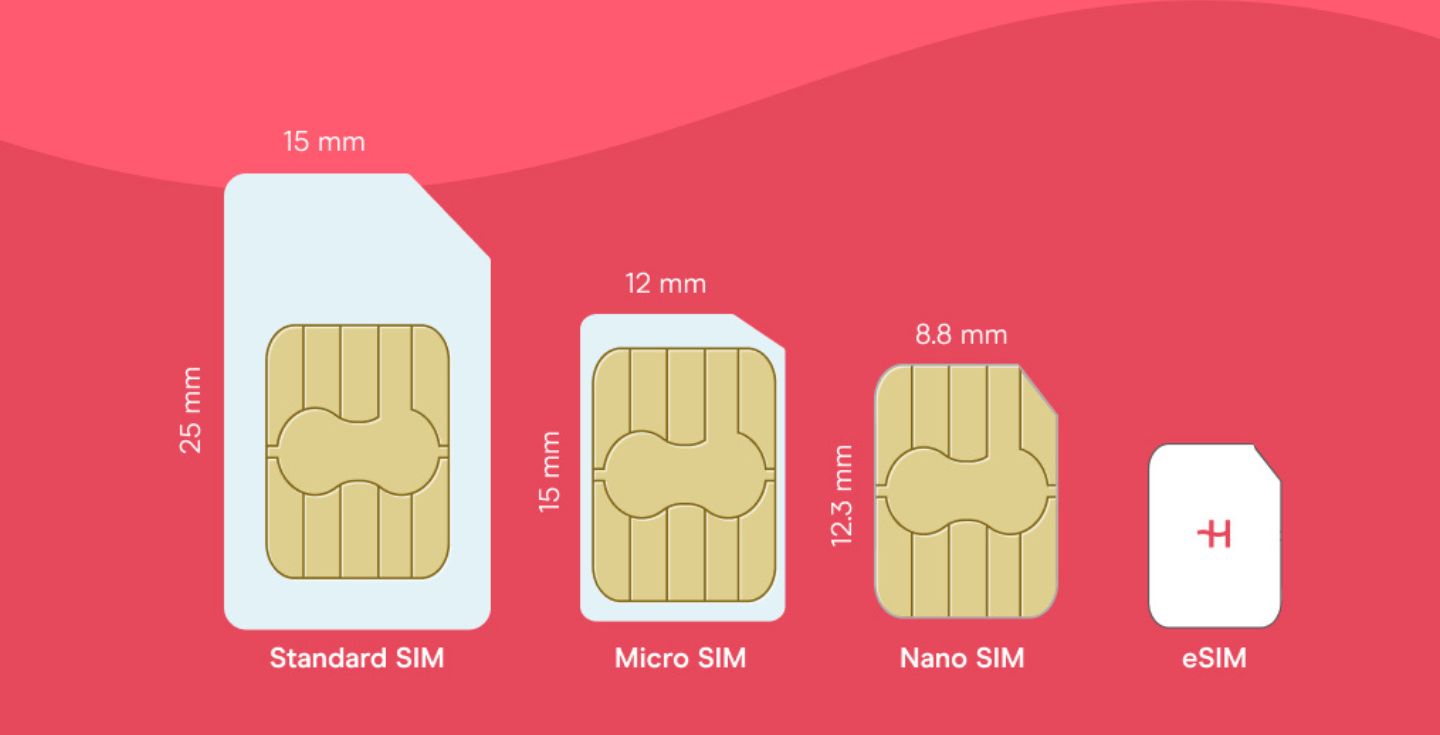
- Use the virtual eSIM phone number to get the Yahoo verification code.
- Enter the verification code when creating your account.
- Enter your personal details and finish the registration process.
Tip: Upon completing the registration and verification, add a passkey so you don’t have to worry about future phone number verifications.
Getting a virtual phone number with Holafly Plans
With Holafly Plans, you get access to a virtual phone number with the Unlimited Plan, which also gives you unlimited data, unlimited hotspot data, and coverage in over 160 destinations.
That way, you can create a Yahoo account without linking your personal email accounts or phone numbers. Simply enter the verification code, add a passkey, and you’ll be all set to use Yahoo without limitations.
Plus, you get the Always On perk at no extra cost. Simply keep your Holafly eSIM installed, and you will get 1 GB of backup data when you need it most.
A safe way to stay connected
Get a virtual phone number and create accounts in a safe way.
FAQs about creating a Yahoo account without a phone number
If you do the manual registration process, you’ll need to enter a phone number to create a Yahoo account. However, this isn’t a mandatory requirement.
Yes. You can use a valid email address or a Google account to create a Yahoo account.
Go to the Security page and update the options in the Ways of signing in section. You can add a recovery email so you can always recover your password.
Yes. You can create different Yahoo accounts with the same phone number, if required.
Plans that may interest you


I first started my content creation journey as a freelancer in 2019, before connecting with Holafly in 2021. At Holafly, my travel and tech interests come together in one place as I craft high-quality articles about the eSIM and related markets. My content aims to help travelers stay connected, wherever they are.