







 Language
I’ve been to Japan a dozen times, and these 3 are the only translation apps I trust
Heading to Japan? These are the three translation apps that actually work for reading menus, navigating signs, and conversing with locals.

Japan’s language barrier can feel incredibly intimidating.
Whether you’re looking at a restaurant menu that’s only in kanji, staring blankly at a train station sign, or trying to use a vending machine, the struggle is real… as is the need for a translation app.
But what I’ve discovered after a dozen trips to Japan is that one translation app isn’t enough.
Nowadays, when I visit Japan, I use a combination of three apps. Together, help me order meals, navigate train stations, read signs, and have simple conversations with locals.
Here’s exactly which three I use, and what each one does better than the rest.
Why one translation app is never enough in Japan
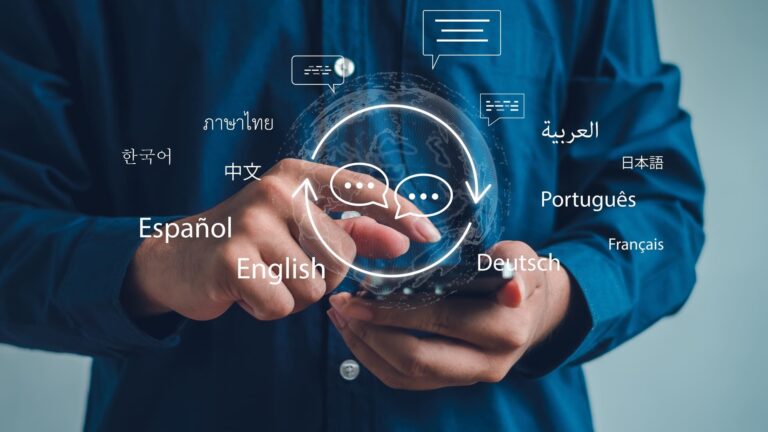
One of the biggest mistakes I made on my first trip to Japan was assuming a single translation app could handle everything. When that app didn’t work in a way I needed it to, I’d download another one, then another.
What I realized through trying dozens of translation and travel apps in Japan is that they all have different strengths.
Some are excellent at instantly translating signs through your camera, but struggle with longer passages of text. Others help you speak to locals in real-time, but aren’t much help when you’re trying to work out what a vending machine or train ticket machine says.
So the key to efficient translation in Japan is knowing which app helps with what.
There are 3 core language barrier issues in Japan: reading, writing, and talking. I now use a different app for each issue, and together they cover almost every language challenge I’ve encountered in Japan.
Google Translate, the one I pull out in front of every menu and vending machine
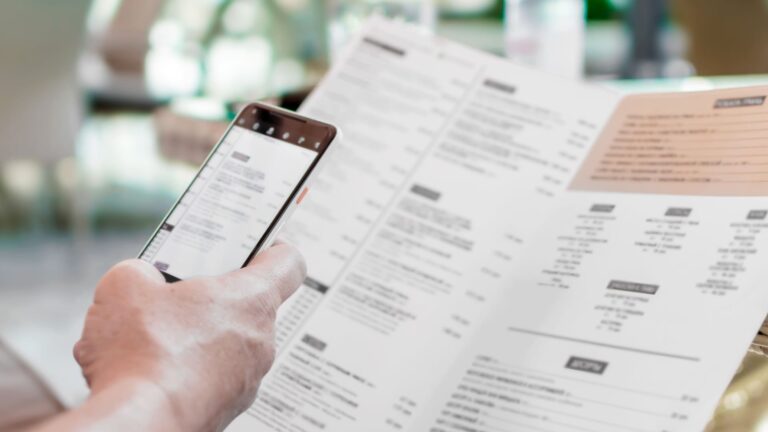
Google Translate is the translation app I use the most in daily life when I’m in Japan. It’s the one I instinctively reach for whenever I’m faced with an all-kanji Tokyo street food vendor, a vending machine full of unfamiliar drinks, or a train ticket machine that doesn’t have an English language option.
The live camera translation feature makes translating quick and easy. You simply point your camera and get an instant translation.
That being said, for long sentences or paragraphs, the live camera mode can take several seconds to find the most accurate translation. And even then, it doesn’t always give the most natural or easy-to-understand sentence.
This problem is especially apparent in dimly lit restaurants. Without enough light, it struggles to recognize the text accurately.
Therefore, for more accurate translations, it is often better to take a photo first, then use Google Translate to scan the image.
Aside from the camera feature, voice translation is super helpful when speaking with a taxi driver, asking for directions, or having any other short interactions with locals.
Another advantage of Google Translate is that you can download the Japanese language pack before you travel. This allows you to use the app when you’re without data or signal. That being said, some features become noticeably less reliable offline, so you’ll get the best results when you have an internet connection.
DeepL, the one I trust for anything longer than a sentence
While Google Translate is my go-to for menus, road signs, and other quick translations on the move, DeepL is the translation app I use to translate longer pieces of Japanese.
Because translating Japanese to English requires transliteration (translating between writing systems/alphabets), many translation apps produce clunky or confusing translations.
DeepL, however, does a superb job of translating full sentences and paragraphs in a way that flows naturally. So I use this app for more complex travel needs like:
- Messaging an accommodation host
- Understanding a printed notice or hotel information sheet
- Writing a polite request
Aside from real-time camera and photo translations, you can translate via voice or text. The text translation also gives you alternative ways to say things, such as if you want to sound more formal or polite.
The downside of DeepL, however, is that there is no offline mode; the app requires an internet connection for all translation features.
Papago, my quiet favorite for actually talking to people
Papago is one of the least-known translation apps, but when it comes to transliterating languages like Japanese, it’s one of the most reliable apps out there.
Developed by the South Korean company Naver, Papago was built with Asian languages in mind. As a result, it handles conversational Japanese much more naturally than other apps.
Papago’s conversation mode is its best feature, helping you have short interactions with locals in a smooth, natural way without sounding awkward or robotic. You simply pass the phone back and forth, so both people can speak in their own language and see the translation almost instantly.
Hence, this is the app I reach for when I need any type of verbal translation, such as:
- Asking for directions
- Chatting with shop staff
- Checking into a hotel or guesthouse
- Asking simple questions in cafés and restaurants
That said, I wouldn’t rely on Papago for everything. Google Translate remains much faster for reading menus and signs through your camera, while DeepL is my first choice for translating longer pieces of text or writing messages that need to sound natural.
How I set up all three before I fly
After a dozen trips, I’ve settled on this specific three-way system that covers every travel situation I encounter in Japan:
- Google Translate to read menus, signs, and other everyday short texts.
- DeepL to write messages and understand longer or more formal translations.
- Papago to talk to people and have meaningful interactions with locals.
When planning your trip to Japan, do the following things before departure:
- Install all three apps
- Download offline Japanese packs for Google Translate and Papago (DeepL doesn’t have an offline mode).
- Test each app to get familiar with how they work
I also recommend testing Google Translate and Papago in airplane mode to understand their offline limitations.
Only text translation works offline with Papago. With Google Translate, text and camera translation work without an internet connection (once the language pack is installed), but voice or conversation mode does not.
Therefore, sorting a travel eSIM before your departure is crucial to using this three-way translation kit in a truly reliable way.
Stay connected across Japan with Holafly
Reading kanji menus and chatting with shop staff is a lot smoother when your apps actually work the moment you need them. A eSIM for Japan from Holafly keeps you online from the airport onward, with unlimited data, 5G speeds, and 24/7 customer support, so camera translation, voice mode, and live conversation never leave you stranded mid-sentence.
What’s more, every Holafly eSIM comes with Always On, 1 GB of monthly backup data at no additional cost. It activates automatically as long as the eSIM stays installed on your device, renews every month, and works across 150+ destinations. So even if your main plan runs low while you are deep in a translation session at a tiny izakaya, you stay connected long enough to read that menu, send that message, and find your way to the next stop.
Install it before you fly, keep it on your phone, and let your translation apps do what they do best.

Unlimited data. Peace of mind.
Make sure you have travel data that's there when you need it most.
Professional Asian Chinese business woman female girl Japanese entrepreneur businesswoman worker use mobile phone app record voice audio message speakerphone talk smartphone online call inside office (Thumbnail)
Plans that may interest you


Hi, I'm Mika, a South Korean writer living in the US. I cover travel and live events, focusing on the practical stuff that makes your trip smoother, whether you're navigating a new city or heading to a major international event.I'm also the founder of Search SEOul, South Korea's leading SEO conference, bringing together search marketing experts and speakers from around the world.

