Language
How many eSIM cards can I activate on my iPhone?
Depending on the model of your iPhone, you can have either one or two active eSIMs. However, you can store up to eight eSIM profiles on your phone.

Most eSIM-compatible iPhones allow you to store up to eight eSIM profiles at once. However, depending on your iPhone model, only one or two eSIM profiles can be active at any given time.
Follow along to learn all about how many eSIMs you can have on your iPhone, how to use them, and which models feature dual-eSIM capabilities.
If you need an eSIM you can rely on, check out travel and monthly eSIM plans from Holafly.

An eSIM you can rely on
Join over 10 million Holafly customers and get connected with our trusted, global services.
How many eSIMs can you use on an iPhone?
Depending on the model, you can use either one or two eSIMs on an iPhone at a time, but you can store up to eight eSIM profiles on your phone. iPhone 13 and later models allow you to have two active eSIMs at once, while iPhones from the XR to the iPhone 12 line allow dual SIM functionality by using one physical SIM card and one eSIM.
iPhones older than the XR don’t have eSIM support, which means you can’t use eSIMs at all on these phones.
| iPhone model range | eSIM support | Active eSIMs at once | Physical SIM | Notes |
|---|---|---|---|---|
| iPhone 13 and later | Yes | Up to 2 active eSIMs | Yes (except US iPhone 14+) | Dual eSIM supported |
| iPhone XR–12 series | Yes | 1 active eSIM | Yes | Dual SIM via 1 eSIM + 1 physical SIM |
| iPhones before XR | No | 0 | Yes | No eSIM support |
| iPhone 14+ (US models) | Yes | Up to 2 active eSIMs | No | eSIM-only in the US |
| China / Hong Kong / Macau models | Usually No | 0 | Yes | Most models don’t support eSIM |
Which iPhones are eSIM-compatible?
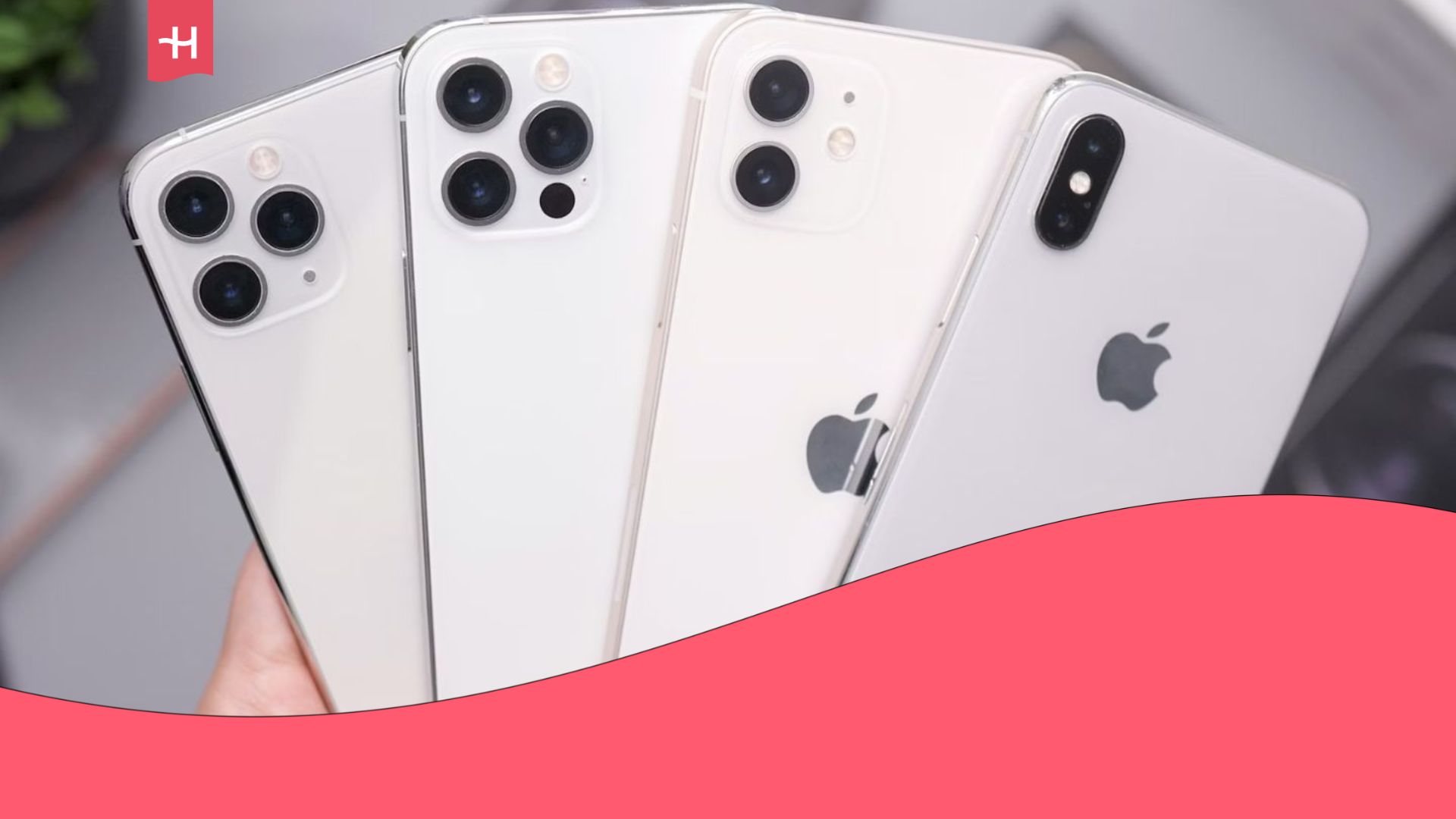
Apple started making eSIM-compatible phones with the iPhone XR and never looked back. All models released after the XR support eSIM technology. On top of that, iPhone 14 and later models sold in the US don’t have a physical SIM tray at all. The list of eSIM-compatible iPhones includes:
- iPhone XR
- iPhone XS
- iPhone XS Max
- All iPhone 11 series phones
- iPhone SE 2 (2020)
- All iPhone 12 series phones
- All iPhone 13 series phones
- All iPhone 14 series phones
- All iPhone 15 series phones
- All iPhone 16 series phones
- All iPhone 17 series phones
Notably, most iPhones sold in China, Hong Kong, and Macau don’t support eSIMs. So even if the model is eSIM-compatible in the rest of the world, it may not work with eSIMs if it’s purchased in China, Hong Kong, or Macau.
How to switch between eSIMs on iPhone
iPhones allow you to store up to eight eSIM profiles at once, and you can quickly switch between them in the iPhone settings. This allows you to use multiple eSIMs effectively, even if the phone only supports one or two simultaneous connections.
For example, you can have a separate eSIM for your local data plan, another for calls and texts, and multiple eSIMs for mobile data when traveling abroad. Simply switch to the one you want to use at any given time, which is far more convenient than switching physical SIMs. Here’s how you can do just that:
- Go to Settings.
- Open the Cellular/Mobile Service menu.
- Scroll down and select the eSIM profile you want to enable.
- Tap Turn On This Line to activate the profile.
- Check the other lines to see if they’ve turned off automatically. If not, turn them off manually by toggling the Turn On This Line switch to the off position.
If you have an iPhone that supports dual eSIM usage, you can also select one eSIM to be the primary line for cellular data, and the other to be used for calls and texts.
Enjoy unlimited data worldwide with Holafly eSIMs
Holafly offers single-destination, regional, and even global eSIM plans for travelers, each with unlimited data and 24/7 customer support. This allows you to pick an eSIM that suits your travel needs instead of buying, activating, and managing eSIMs for each destination you visit.
If you need long-term coverage, you can choose Holafly Plans instead. It’s a monthly eSIM subscription with coverage in 170+ destinations on a single eSIM. With Holafly Plans, you’ll forget ever needing multiple eSIMs in the first place. Simply pick your plan, activate the eSIM, and cancel when it’s no longer needed.
An eSIM you can rely on
Join over 10 million Holafly customers and get connected with our trusted, global services.
Frequent questions about how many eSIM cards you can activate at the same time
An iPhone can maintain one or two active eSIM connections, depending on the model. That said, you can store up to eight eSIM profiles at once and switch between them whenever needed.
Yes, you can use two eSIMs at the same time if you have an iPhone 13 or later model. iPhones older than the 13 only allow you to use one eSIM at a time, although you can combine one eSIM and one SIM.
You can’t have three eSIMs active at the same time on an iPhone. However, you can have three or even more eSIM profiles on your phone. Simply install the eSIM, and it’ll appear in the list of eSIM profiles in the iPhone settings. From there, you can activate the eSIM whenever you want to use it.
Plans that may interest you

A senior SEO writer from Lithuania, combining my passion for writing and travel at Holafly. With years of experience in technical fields, I'm here to answer all of your questions about staying connected. I specialize in turning even the most complicated topics into something everyone can understand.