Language

8 Best business travel app picks for 2026
The best business travel app for itineraries, flight alerts, expenses, jet lag, and customs.

In this guide, we’ll share eight apps that cover a work trip, from organizing your itinerary to clearing US customs on the way home.
When you travel abroad for work, Holafly for Business keeps these apps running with secure mobile data.

Keep your travel apps online
1. TripIt
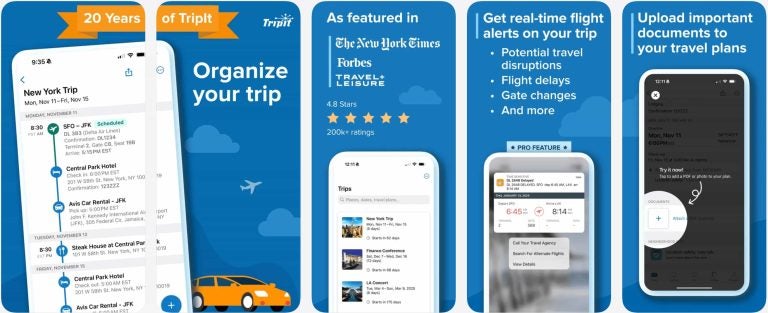
(Screenshot: TripIt App Store screenshots showing a trip itinerary, the trips list, flight alerts, and document uploads)
TripIt builds a master itinerary from your booking emails, so your flight, hotel, and car details are in one place.
- Key features: Forward each confirmation email to plans@tripit.com, and TripIt adds it to your trip. You can share the trip with a colleague or travel coordinator, or send it to SAP Concur to start your expense report (where your company has set up Concur TripLink).
- Cost: Free, with TripIt Pro at $49 a year (or complimentary through Concur TripLink), adding flight status alerts, Seat Tracker, Fare Tracker, alternate flights, and check-in reminders.
- Best for: Anyone who books flights and hotels across several sites.
2. Flighty
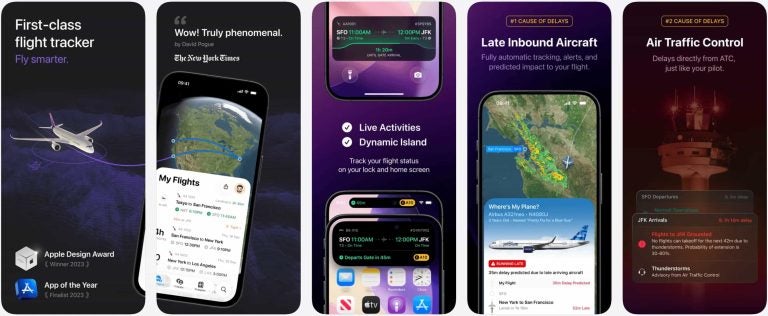
(Screenshot: Flighty App Store screenshots showing the My Flights list, Live Activities, and delay predictions)
Flighty is a flight tracker with live pilot-grade data, built for frequent flyers with tight connections.
- Key features: The free version covers unlimited flight tracking. Flighty Pro adds flight alerts before the airline, gate and flight predictions, calendar sync, TripIt import, and a Connection Assistant.
- Cost: Free, with Flighty Pro at $59.99 a year ($4.99 a month billed annually) or $9.99 month-to-month. All Pro features are free for your first flight.
- Best for: iPhone users, as Flighty doesn’t currently have plans for an Android version.
3. Priority Pass
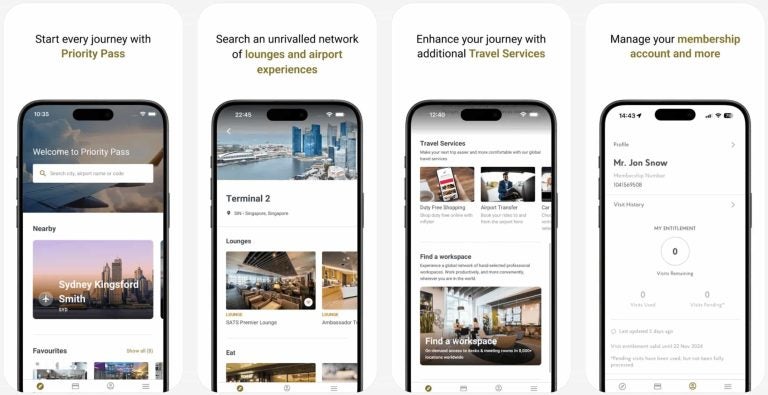
(Screenshot: Priority Pass App Store screenshots showing lounge search, a terminal’s lounges, travel services, and the membership account)
Priority Pass is a lounge membership with an app that shows you which lounges you can use.
- Key features: Access to 1,900+ lounges and airport experiences worldwide, which give you a quieter place to work between flights than the gate.
- Cost: Paid membership starting at £69 a year (plus £24 per visit on the entry tier, or included with select travel credit cards).
- Best for: Travelers with long layovers or frequent connections.
4. Timeshifter
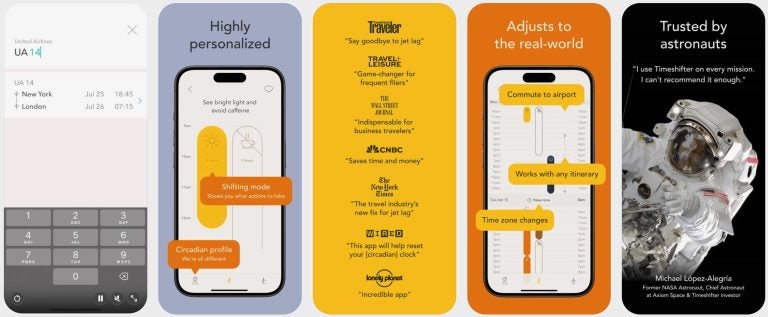
(Screenshot: Timeshifter App Store screenshots showing flight entry and a personalized jet lag plan with light and caffeine advice)
Timeshifter builds a jet lag plan around your flight, with timed advice on light exposure, caffeine, sleep, and melatonin.
- Key features: Your plan can start adjusting you before departure, so it’s best to set it up when you book. It also includes a Quick Turnaround mode for short business trips and a Practicality Filter for realistic schedules.
- Cost: First plan free, then $9.99 a plan or $24.99 a year for unlimited plans.
- Best for: Trips across several time zones with meetings soon after you land.
5. Citymapper
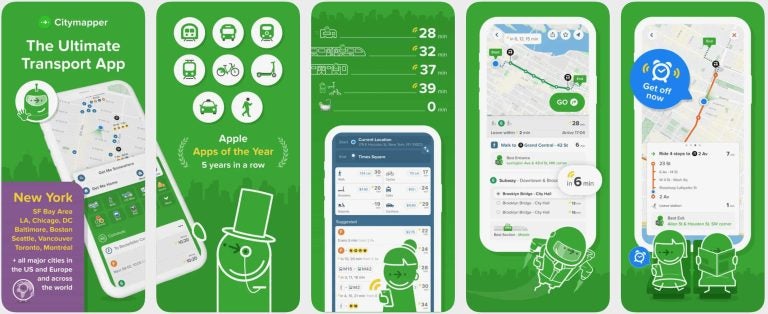
(Screenshot: Citymapper App Store screenshots showing route options across transport modes, step-by-step directions, and a get-off alert)
Citymapper is a public transit app that compares your options across transport modes in a city.
- Key features: Live departure times, turn-by-turn directions, disruption and delay alerts for the subway, train, or bus lines you follow.
- Cost: Free (with ads), or $1.49 a month ($9.99 a year) for Citymapper CLUB to remove ads.
- Best for: Getting to meetings by public transit in the cities the app supports.
6. GeoSure
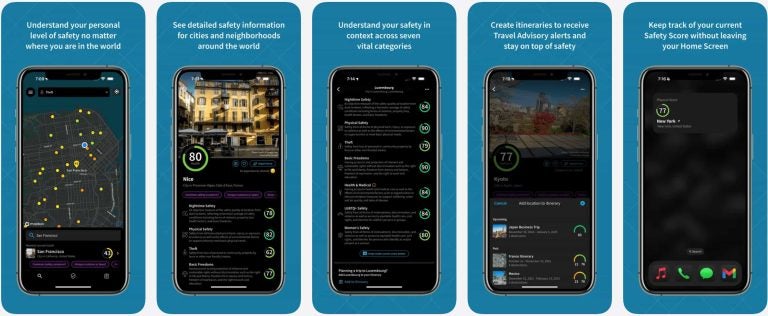
(Screenshot: GeoSure App Store screenshots showing a safety map, city and neighborhood safety scores, and trip itineraries)
GeoSure scores personal safety across countries, cities, and neighborhoods.
- Key features: Neighborhood-level scores (including separate daytime and nighttime ratings, plus categories like theft and women’s safety) that help when you choose a hotel or plan your walk back from a client dinner.
- Cost: Free tier available, with paid plans starting at $0.99 to $4.99 a month (up to $9.99 a month or $39.99 a year depending on the app version (classic or AI-powered) and features).
- Best for: A first trip to an unfamiliar city, especially when you arrive late at night.
7. Expensify
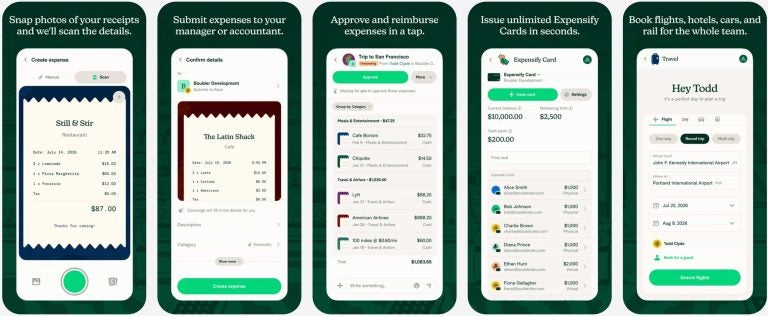
(Screenshot: Expensify App Store screenshots showing receipt scanning, expense submission, and approval)
Expensify’s SmartScan captures the details from photos of your receipts, so your expense report is ready for reimbursement when you’re home.
- Key features: Receipt scanning, mileage tracking, expense reports, and personal card import.
- Cost: Free, with a free plan for employees that doesn’t need company approval (company-wide workspaces start at $5 per member a month).
- Best for: Employees whose company doesn’t provide an expense app.
8. Mobile Passport Control
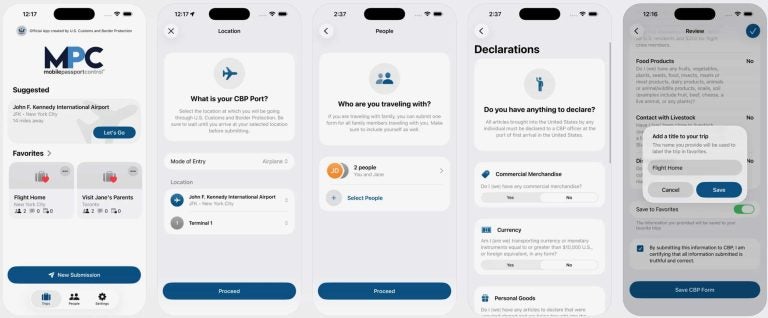
(Screenshot: Mobile Passport Control App Store screenshots showing the home screen, CBP port selection, travel group, and customs declarations)
Mobile Passport Control (MPC) is an app from US Customs and Border Protection (CBP). You answer your arrival and customs declaration questions in the app (up to four hours before landing). Then, you use a shorter line at customs with your physical passport in hand.
- Key features: MPC operates at 63 sites, including 37 US international airports and 15 preclearance locations, and you can add up to 12 people to a single submission.
- Cost: Free.
- Best for: US citizens, US lawful permanent residents, Canadian B1/B2 citizen visitors, and returning Visa Waiver Program travelers with an approved ESTA (Electronic System for Travel Authorization).
Getting ready for your next work trip? Check out our business trip plan, business travel checklist, and business trip packing list.
Keep your apps running on secure mobile data with Holafly for Business
Every app on this list needs mobile data, so it’s best to sort that out before you land.
Holafly for Business is an eSIM provider available in 160+ destinations that activates on your device, so you don’t have to worry about local SIM cards or roaming charges. Your company also gets access to our centralized management platform, the Holafly Business Center, where admins can manage individual eSIMs, invoices, and data usage.
Holafly Plans for Business come in four tiers, all featuring hotspot, 4G/5G, and 24/7 multilingual support:
- Daily: Unlimited data with pay-per-day flexibility, built for short business trips under 16 days a month.
- Monthly: Unlimited data for teams traveling more than 16 days a month, a fit for frequent travelers and long-term remote staff.
- Annual: Unlimited data for ultra-frequent travelers, suited to long-term global operations and predictable annual budgets.
- Enterprise: Bespoke plans for companies managing travel for 20+ employees a year, with volume discounts, a dedicated account manager, priority support, and custom integrations, built to optimize costs, streamline operations, and ensure seamless global connectivity across teams.
Not sure which plan is right for your team? Book a demo.
Keep your travel apps online

I’m a writer with over eight years of experience in digital content. My work has appeared in publications such as The New York Times, Forbes, Business Insider, and the BBC. At Holafly, I write clear, practical guides to help travelers stay connected with eSIM technology. In my spare time, I enjoy car detailing, biking around Warsaw, and capturing portraits.